Trauma Lab for Windows — Download and SmartScreen
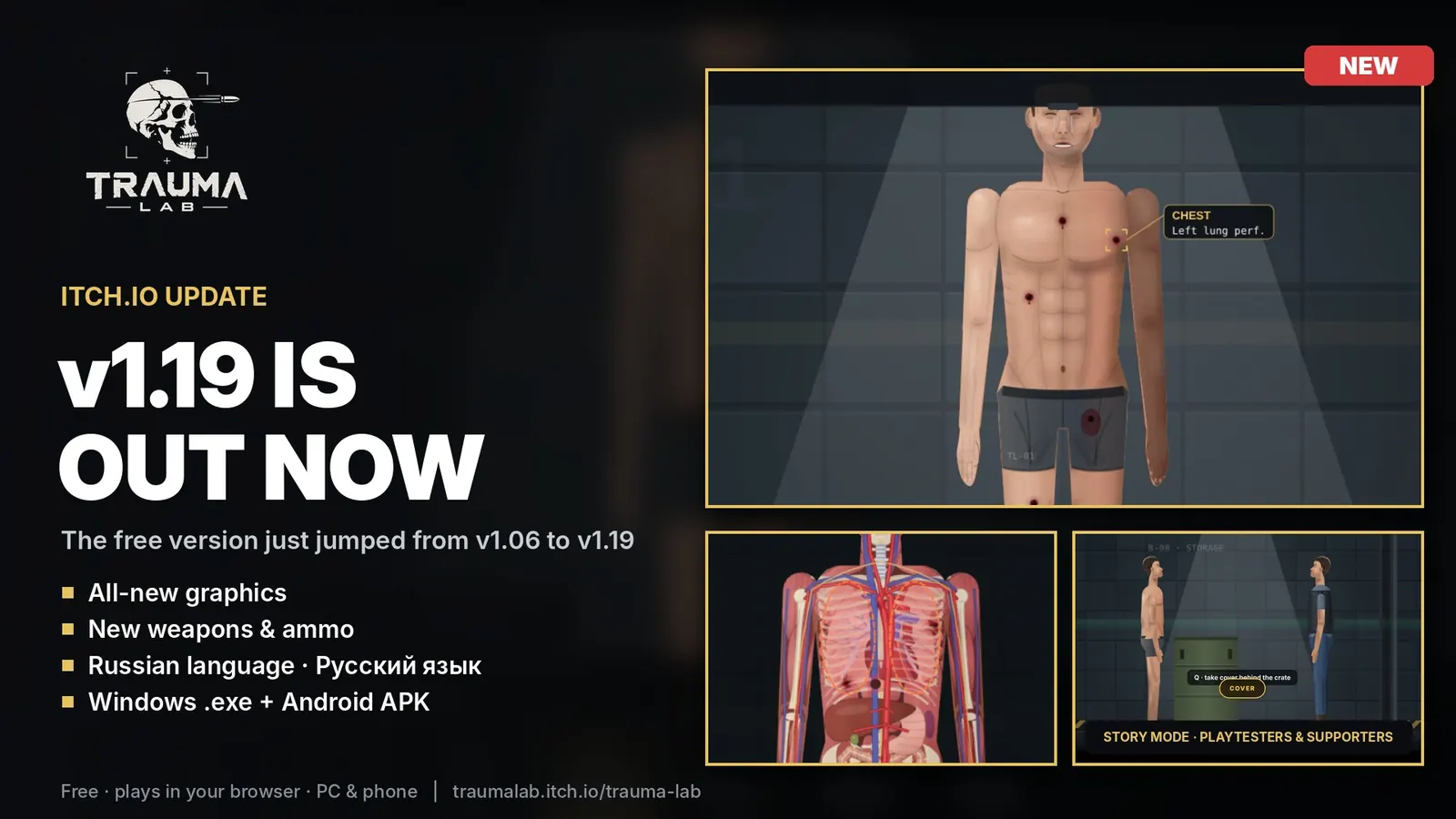
I expected an installer because the v1.19 banner art says Windows .exe. The download row did not. It was one HTML file, TraumaLab-v1.19.html, listed at 2 MB. I did not reproduce the SmartScreen dialog on a Windows machine; the steps below are the ones the itch.io page prints, plus Microsoft’s description of how SmartScreen treats a file with no reputation.
Open the HTML file
Double-click TraumaLab-v1.19.html and let the default browser open it. There is no setup wizard and nothing to install. The build draws with canvas 2D, not WebGL. It needs pointer events, the Web Audio API, and localStorage. Those are what the v1.19 source uses. Abynotic Studios has not published a minimum Windows version or a minimum browser version.
The same HTML build also requests Google Fonts. Offline play still runs; the type just falls back.
If Windows says it protected your PC
The itch.io page says you may see Windows protected your PC, and to choose More info, then Run anyway. Microsoft’s SmartScreen documentation says a file with no reputation can draw that warning. The developer has said the file is not a virus. This page can only repeat those two statements. It is not a malware scan.
The banner’s “exe” line disagrees with the file list. Use the file list. If a site offers a Trauma Lab exe that is not on itch.io, it is not the file described here.
Questions
Do I install Trauma Lab on Windows?
No. The public Windows file is an HTML document. Open it in a browser.
Why does the art say exe?
The v1.19 announcement image says Windows .exe + Android APK. The download table does not list an exe. The table is the one to follow.
Sources
Checked 2026-10-23. Figures below are quoted from these pages, not invented here.